×
- Hello
- Login or Register
- Quick Links
- Live Chat
- Track Order
- Parts Availability
- RMA
- Help Center
- Contact Us
- Shop for
- Nissan Parts
- Nissan Accessories

My Garage
My Account
Cart
Genuine Nissan Armada Radiator fan
Radiator Cooling Fan- Select Vehicle by Model
- Select Vehicle by VIN
Select Vehicle by Model
orMake
Model
Year
Select Vehicle by VIN
For the most accurate results, select vehicle by your VIN (Vehicle Identification Number).
5 Radiator fans found
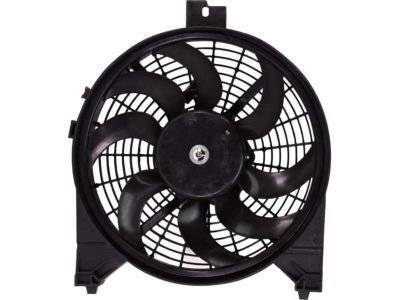
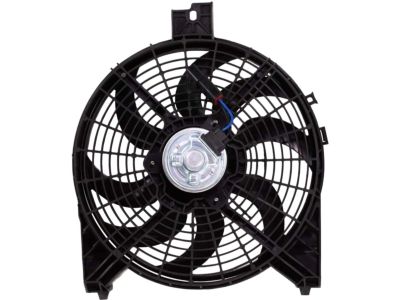
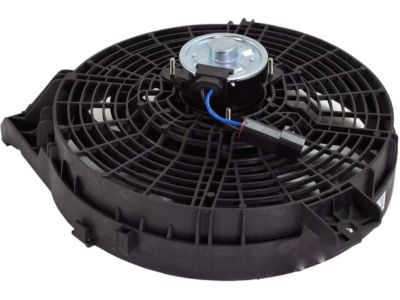
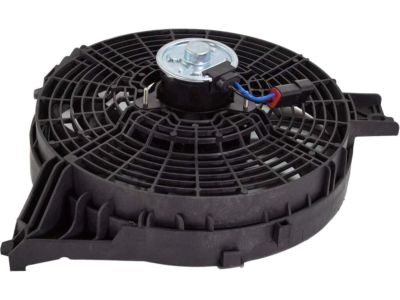
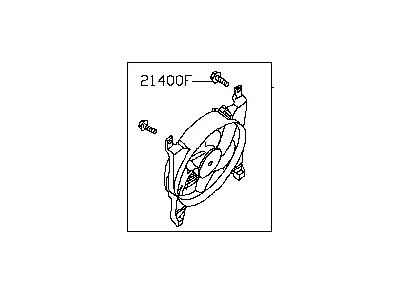
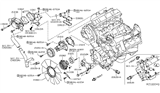
Nissan Armada Cooling Fan
Part Number: 92120-9GA0A$107.73 MSRP: $156.02You Save: $48.29 (31%)Ships in 1-2 Business Days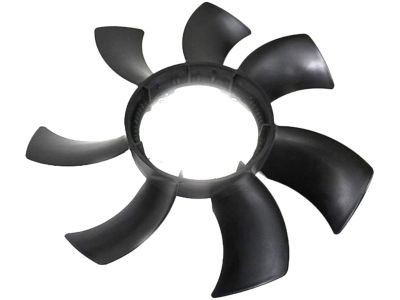
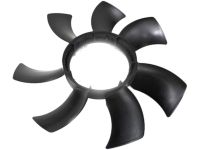
Nissan Armada Fan Blade
Part Number: 21060-ZQ50A$161.44 MSRP: $228.02You Save: $66.58 (30%)Ships in 1-3 Business Days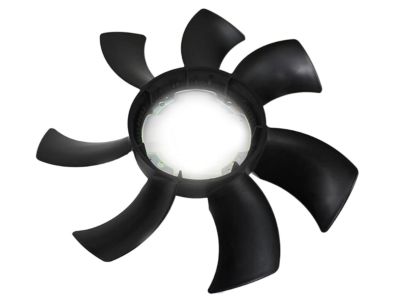
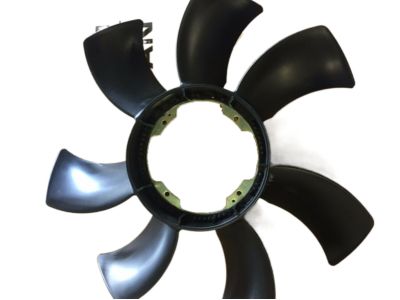
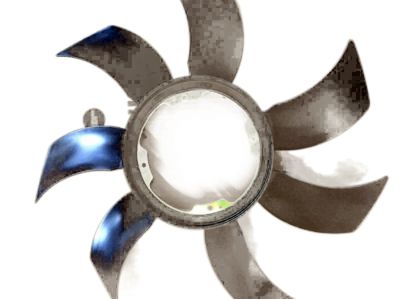
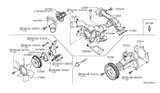
Nissan Armada Cooling Fan
Part Number: 21060-7S000$161.44 MSRP: $228.02You Save: $66.58 (30%)Ships in 1-2 Business Days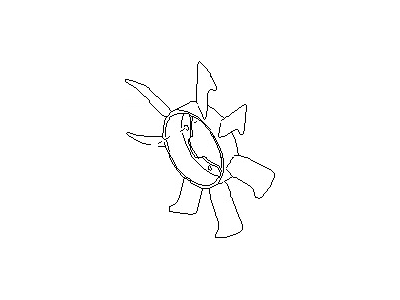
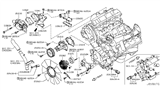
Nissan Armada Fan Blade
Part Number: 21060-1LA0A$154.06 MSRP: $217.60You Save: $63.54 (30%)Ships in 1-3 Business Days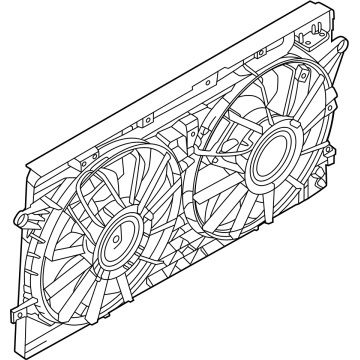
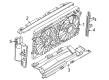
Nissan Armada Fan Assembly
Part Number: 21481-7JA0A$707.58 MSRP: $1088.32You Save: $380.74 (35%)Ships in 1-2 Business Days
Nissan Armada Radiator fan
The purpose of a Nissan Armada Radiator fan is that it prevents the engine of the large SUV from suffering overheating. This happens as the fan works to actively pull air through the radiator, which may not happen naturally at low speed or while idling. The Radiator fan is positioned at the rear of the grille next to the radiator core. It sends air across the radiator core fins. This enables the heated coolant to give off temperature before returning to the engine. Thus, it prevents power loss and component damage. The shrouded cooling fan assembly, which consists of a Radiator fan blade, an electric motor, and a molded shroud that focuses airflow for maximum efficiency, is incorporated in every generation of the Armada. Previously, Nissan trucks had a mechanical clutch-driven unit on certain trims that applied engine rotation to spin the blade. The newer models use an electric design that turns on only when sensors detect a rise in coolant temperature. This reduces drag and saves fuel. The Radiator fan, whether mechanical or electric, offers the same functionality. However, electric fans are quieter, maintain a more consistent temperature, and are easily integrated with electronic engine management. Nissan designed the Armada's cooling for durability in towing or heavy traffic, and this focused setup shows that the Radiator fan is essential.
If you need any OEM Nissan Armada Radiator fan, feel free to choose them out of our huge selection of genuine Nissan Armada Radiator fan. All our parts are offered at unbeatable prices and are supported by the manufacturer's warranty. In addition, we offer quick shipping to have your parts delivered to your door step in a matter of days.
Nissan Armada Radiator fan Parts Questions & Experts Answers
- Q:How to remove the radiator fan on a Nissan Armada?Posted by Lena S.A:Open the air intake between the throttle body and air filter, then take out the bottom shield beneath where the engine sits. Before working on the vehicle, take off the round hoses connected to the transmission fluid cooler and also remove the lower radiator cover. Unfasten, but don't take out, the bolts that hold the Radiator fan pulley in place, and then detach the drivebelt. Unbolt the fan, and take out the fan blades, letting the fan and clutch lower through the bottom. Before lifting your vehicle, raise it on jackstands while keeping the ignition key off for models with rear-auto leveling suspension. Look each fan blade for cracks or breaks, and get a new one if you find any. Look closely at the fan clutch for fluid dripping and any resistance when you turn the piece, and check the engine's fan bracket by spinning the bearing for signs of smoothness and freedom of movement. Replace the fan bracket/rotating bearing if it shows any problems. When removing the fan from the clutch, remember to put the "F" mark on the fan hub facing forward when reattaching it. Begin by removing the radiator grille and front bumper. Turn off the electric fan's power and unscrew its mounting bolt. Then take out the fan assembly. To put the fan and clutch back together, put a bit of torque into the nuts that hold them down while checking that all mounting screws are tight.Answered by Nissan Parts Specialist Brian / Feb 02, 2025
Related Nissan Armada Parts
 Nissan Armada Cooling Hose
 Nissan Armada Radiator
 Nissan Armada Water Pump Gasket
 Nissan Armada Thermostat Housing
 Nissan Armada Water Pump
 Nissan Armada Radiator Hose
 Nissan Armada Thermostat
 Nissan Armada Fan Blade
 Nissan Armada Fan Shroud
 Nissan Armada Coolant Reservoir
 Nissan Armada Radiator Support
Browse by Year
2025 Radiator fan 2024 Radiator fan 2023 Radiator fan 2022 Radiator fan 2021 Radiator fan 2020 Radiator fan 2019 Radiator fan 2018 Radiator fan 2017 Radiator fan 2015 Radiator fan 2014 Radiator fan 2013 Radiator fan 2012 Radiator fan 2011 Radiator fan 2010 Radiator fan 2009 Radiator fan 2008 Radiator fan 2007 Radiator fan 2006 Radiator fan 2005 Radiator fan 2004 Radiator fan